
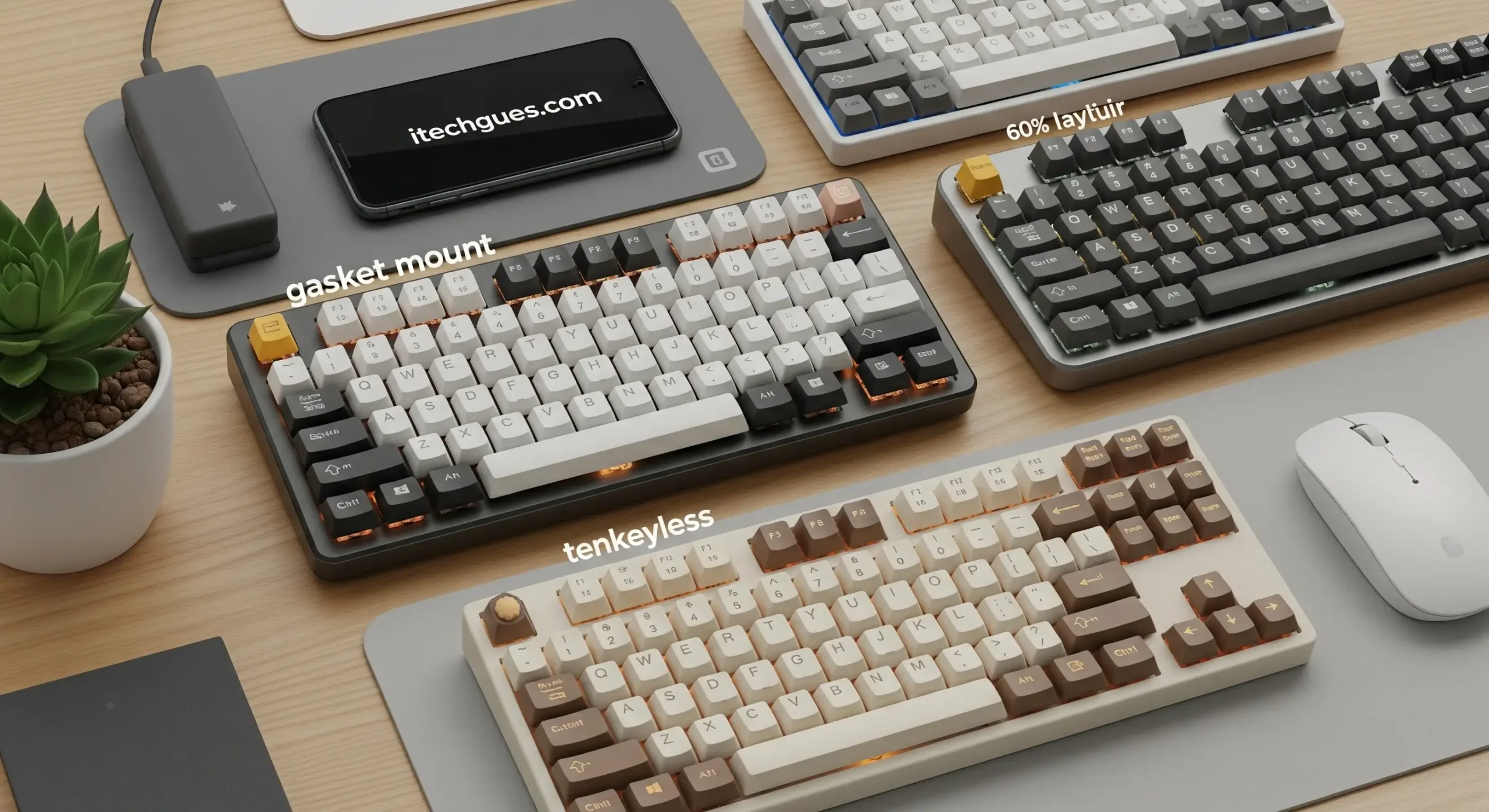
Welcome to Techgues. Your keyboard is more than just a tool; it is an extension of your creativity and productivity. Imagine transforming mundane typing sessions into seamless, enjoyable workflows with a keyboard that blends cutting-edge functionality with eye-catching design.
Whether you are a professional hammering out reports, a gamer seeking precision, or a creative soul crafting stories, a stylish keyboard elevates your setup by offering ergonomic comfort, customizable lighting, responsive switches, and sleek aesthetics that complement any desk. Dive in to discover how upgrading to a stylish keyboard can redefine your typing experience, making every press feel effortless and inspired.
Why Choose a Stylish Keyboard?
A stylish keyboard is not just about looks; it is about enhancing your overall typing efficiency and comfort. Mechanical keyboards, for instance, provide tactile and auditory feedback that can improve typing speeds by helping you register keystrokes more accurately. This feedback reduces errors and speeds typing, making it ideal for writers, coders, and anyone who spends hours at a desk. Ergonomic designs, such as split keyboards, promote better posture by opening your shoulders and allowing you to use your thumbs more effectively, potentially reducing strain during long sessions.
Beyond functionality, the aesthetic appeal can boost your motivation. RGB lighting, which combines red, green, and blue LEDs to create millions of colors, adds a vibrant touch to your workspace. Customizable options like hot-swappable switches let you experiment without soldering, tailoring the feel to your preferences. Ultimately, a stylish keyboard turns a basic input device into a personalized productivity powerhouse.
You Also Read:
What is Cloud Storage App for Android?
A Nostalgic Journey: The Old Motorola Phone Style Launcher
Volume Booster & Improve Sound Booster 2026
Best Keyboard Theme Apps for Android in 2025
Types of Stylish Keyboards
Stylish keyboards come in various forms, each suited to different needs:
- Mechanical Keyboards: Known for their durability and satisfying click, these use individual switches under each key. Brands like Das Keyboard emphasize superior construction for an ultimate typing experience. They’re popular for their responsiveness and can be customized with metal keycaps for added flair.
- Membrane Keyboards: Softer and quieter, these are great for office environments. The Logitech MX Keys S stands out for everyday use with its versatile, low-profile design.
- Ergonomic Keyboards: Designed for comfort, these often feature split layouts or curved shapes. The Drop CTRL is a stylish option that combines aesthetics with ergonomic benefits.
- Wireless Keyboards: For clutter-free setups, models like the MOFii offer multimedia features and enhanced typing without cables.
- Compact (Tenkeyless or 60%) Keyboards: Space-saving designs that maintain style, such as the Keychron series, which include switch testers for personalization.
Key Features to Enhance Typing
To truly elevate your experience, look for these features:
- Switch Types: Linear for smooth typing, tactile for feedback, or clicky for audible satisfaction. Hot-swappable boards allow easy swaps.
- RGB and Customization: Millions of color options and programmable keys for a personalized glow.
- Ergonomics: Wrist rests, adjustable angles, and anti-ghosting for accurate multi-key presses.
- Connectivity: Bluetooth or 2.4GHz wireless for flexibility, with long battery life like the years-long endurance of the Logitech Pop Icon Keys.
- Build Quality: Aluminum cases for durability, as seen in budget-friendly options like the Neo60 Core.
These elements combine to make typing not just faster but more enjoyable.
Top Stylish Keyboards in 2025
Based on expert reviews and user feedback, here are some standout recommendations for 2025:
| Keyboard Model | Key Features | Best For | Price Range (USD) |
| Logitech MX Keys S | Low-profile scissor switches, multi-device pairing, and long battery life | Everyday office use | $80-100 |
| Keychron Q5 Max | 96% layout, hot-swappable, gasket-mounted for soft typing feel | Writers and typists | $150-200 |
| Razer BlackWidow V4 75% | Customizable RGB, magnetic wrist rest, rapid trigger switches | Gamers and creators | $180-220 |
| Wobkey Rainy 75 | Affordable, thocky sound profile, wireless connectivity | Budget enthusiasts | $50-80 |
| Mchose GX87 Ultra | Compact design, high polling rate, durable PBT keycaps | Compact setup lovers | $100-150 |
| Das Keyboard 5QS | Smart RGB notifications, Cherry MX switches | Professionals seeking feedback | $150-200 |
These picks balance style, performance, and value, with options like the Polygon 7 offering unique designs for those wanting something standout.
Tips for Choosing and Maintaining Your Keyboard
When selecting a keyboard, consider your typing style—do you prefer quiet keys or clicky ones? Test switches if possible, as with Keychron’s tester kits. Budget-wise, entry-level options like the Redragon K552 provide fast typing without breaking the bank.
For maintenance: Clean regularly with compressed air, avoid liquids, and replace keycaps for a fresh look. Customizing with metal keycaps from brands like Awekeys can further enhance durability and aesthetics.
Conclusion
Upgrading to a stylish keyboard is a simple yet impactful way to boost your typing experience. From the ergonomic comfort of split designs that reduce strain during long sessions to the vibrant allure of customizable RGB lighting that adds a personal flair to your workspace, these devices seamlessly merge form and function. They enhance productivity with responsive switches, tactile feedback, and features like hot-swappable keys for easy customization. Whether you are a professional writer seeking efficiency, a gamer demanding precision, or a creative enthusiast craving inspiration, the right keyboard transforms mundane tasks into enjoyable workflows. Explore diverse options, find your perfect match, and elevate every keystroke with effortless style and superior performance.
